
Lexus Bluetooth Setup | Lexus Dealer near Boca Raton, FL

How Do I Pair a Bluetooth® Device?
Ensure a seamless driving experience by connecting to your mobile smartphone through the Lexus Bluetooth® wireless function. Your Lexus infotainment system makes connecting your smartphone to its Bluetooth® system easy. Simply follow the steps below and enjoy hands-free connectivity and the ability to answer and make calls without taking your eyes off the road
How to Connect Lexus Bluetooth® to Your Smartphone:
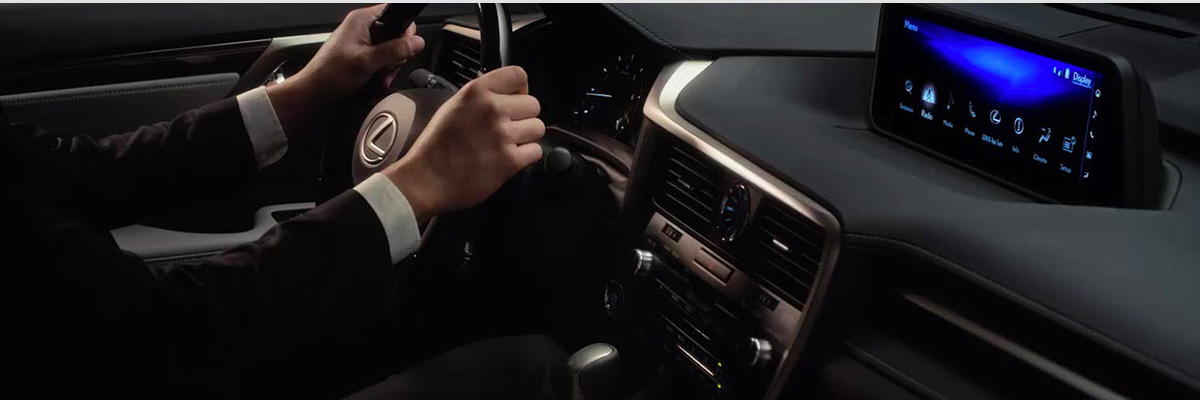
- You can go to the phone pairing settings via the infotainment system and you’ll be presented with a pairing menu. You can also access the pairing function by selecting the phone option from the home menu.
- To connect, make sure your compatible smartphone’s Bluetooth® functionality is activated. You can do this through your phone’s connection settings to confirm if Bluetooth® is currently on or off. Once activated, your Lexus Bluetooth® system should be shown as a viable connection.
- On your infotainment screen, simply click the option to pair a new device.
- Choose the mobile device you would like to pair to your Lexus. Then, a code will display on the infotainment screen and on your device.
- If the codes match, confirm the code on your mobile device.
- Now your smartphone is connected to your Lexus vehicle!